
01
Kling Flash Text to Video
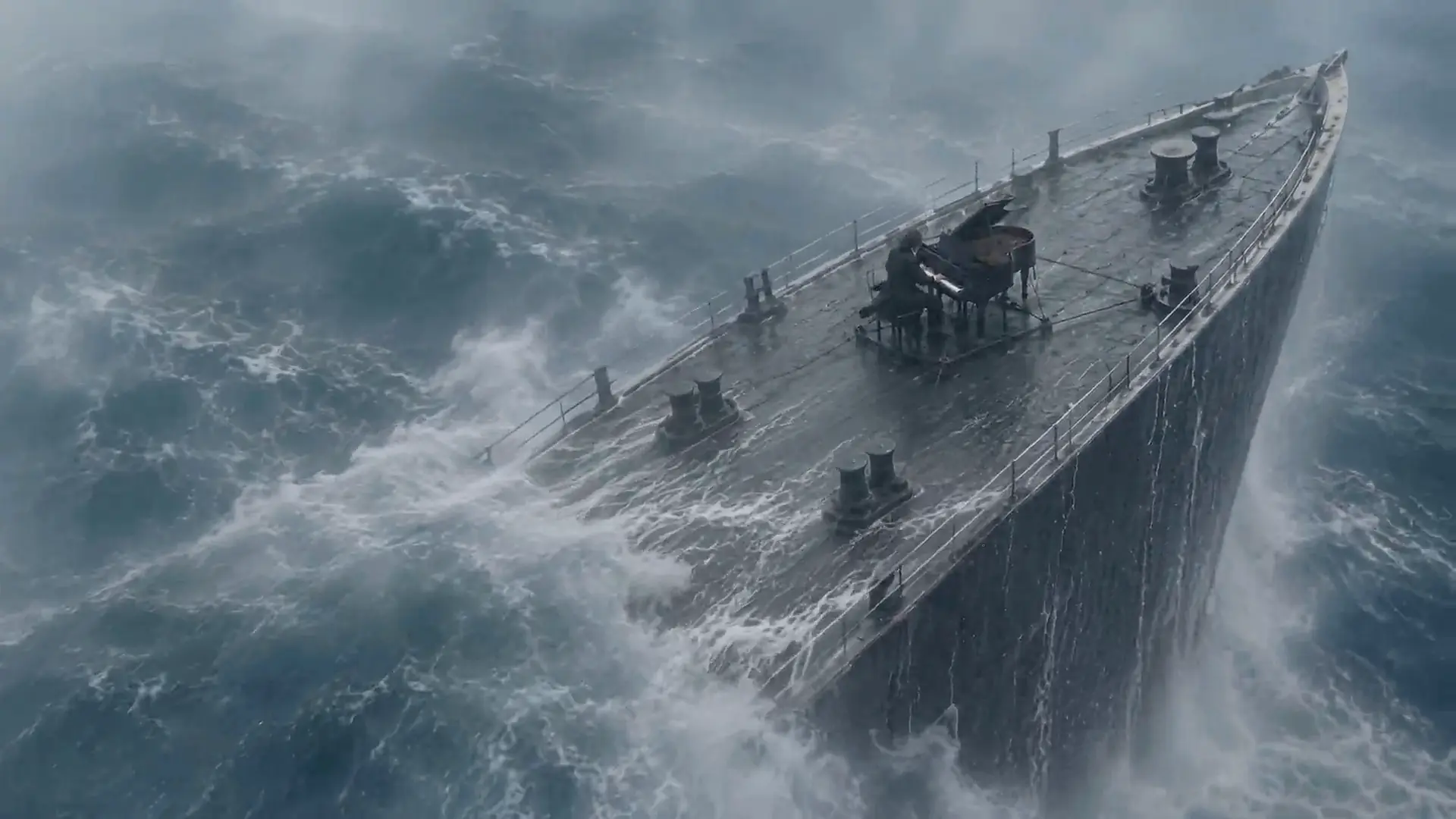
Describe the subject, action, camera move and lighting. Choose Kling 4.0 Flash for a 3–20 second clip at 720p, then review the credit quote before rendering.
Describe a scene, animate a first frame or guide a clip with image references. Choose Kling 4.0 Flash for 3–20 second videos at 720p through EvoLink, or use Kling 3.0 and 3.0 Turbo for their supported settings.
Kuaishou Kling Flash model
Kling Flash is the short name for Kling 4.0 Flash, the fast, low-cost member of Kuaishou's new Kling 4.0 video model family. Kling AI opened a small Kling 4 Flash trial on September 28, 2026, and the full 4.0 model follows in October. Where the full model goes long and high-end, Kling 4 Flash is tuned for everyday volume: quick drafts, social clips and many takes of one idea without burning a budget.
Official Kling 4 Flash specs: text to video, image to video from a first frame, and omni reference, with 3 to 20 second clips at 720p in 8-bit SDR. The full 4.0 model adds 30-second clips, 1080p and 4K with 10-bit HDR, 10 keyframes and stereo audio. This site, Kling Flash, is an independent Kling AI video generator: create with Kling 3.0 and 3.0 Turbo right now, and Kling 4.0 Flash is available in the model picker through EvoLink.
Capabilities
Describe the subject, action, camera move and lighting. Choose Kling 4.0 Flash for a 3–20 second clip at 720p, then review the credit quote before rendering.
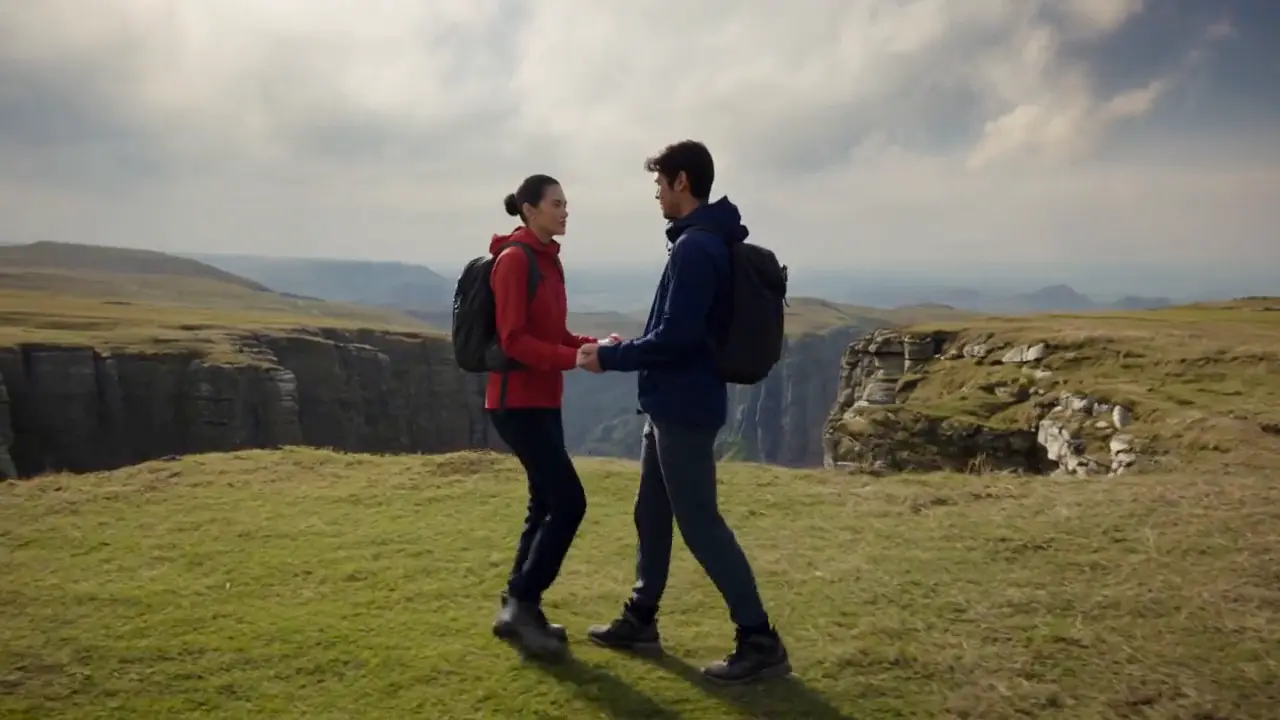
Upload a photo or storyboard frame as the first frame and describe the motion. Flash uses the image framing and accepts no end frame or middle keyframe. Kling 3.0 offers its own start and end frame controls.
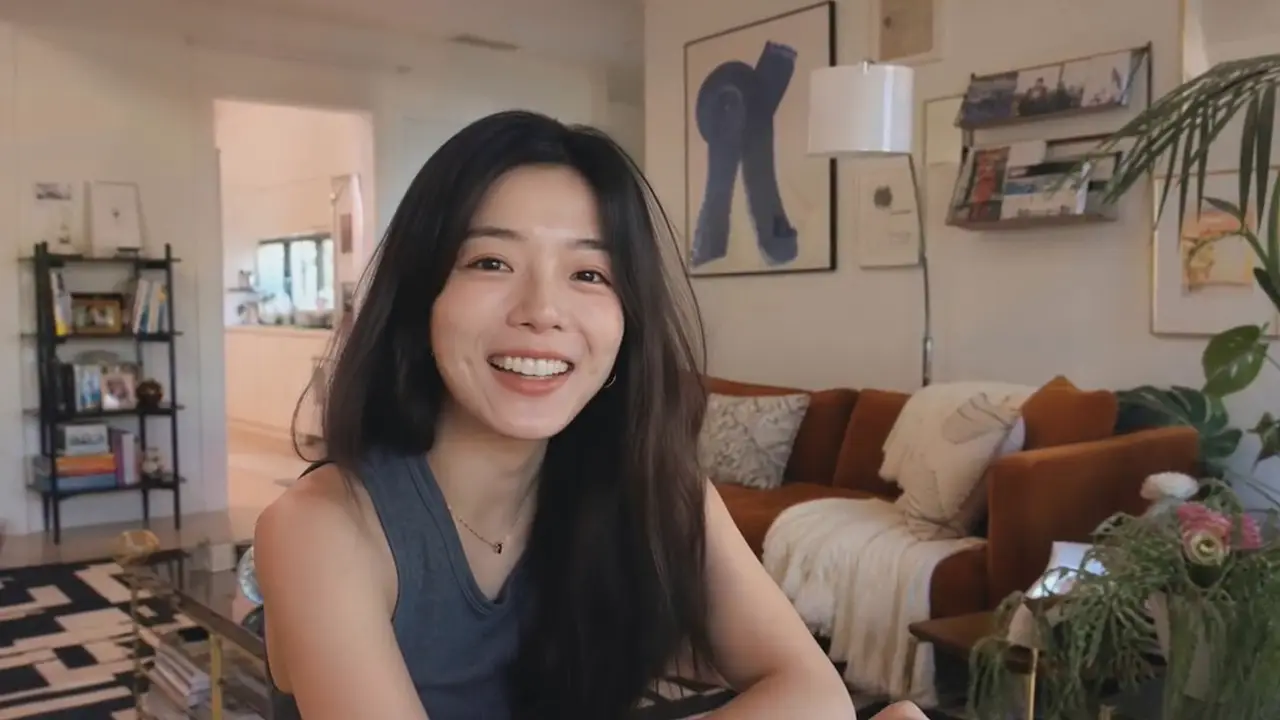
Choose Reference to Video and upload up to three images to guide a Kling 4.0 Flash clip. Describe which visual details to keep and how the scene should move. This generator accepts image references; video and voice references are not offered.

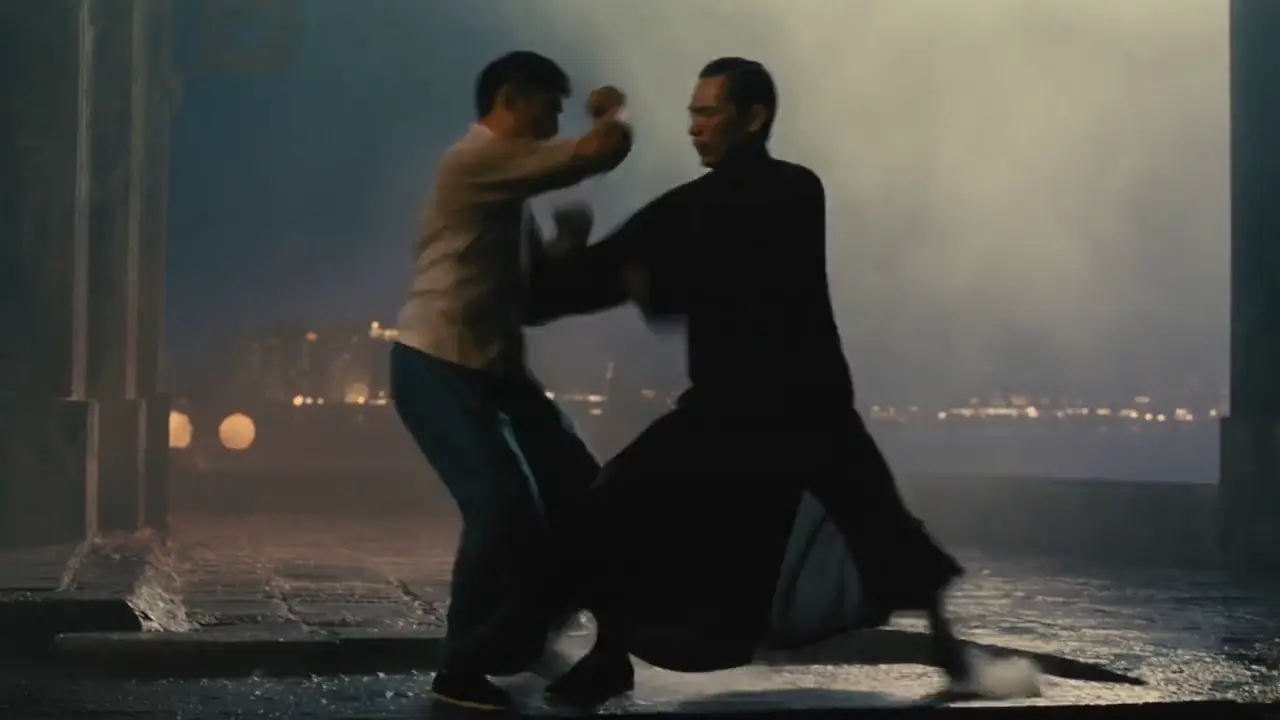
Audio controls follow the selected model. Kling 3.0 has an audio switch, while Kling 3.0 Turbo and Flash do not expose one here. Review the selected settings and credit quote before generating.
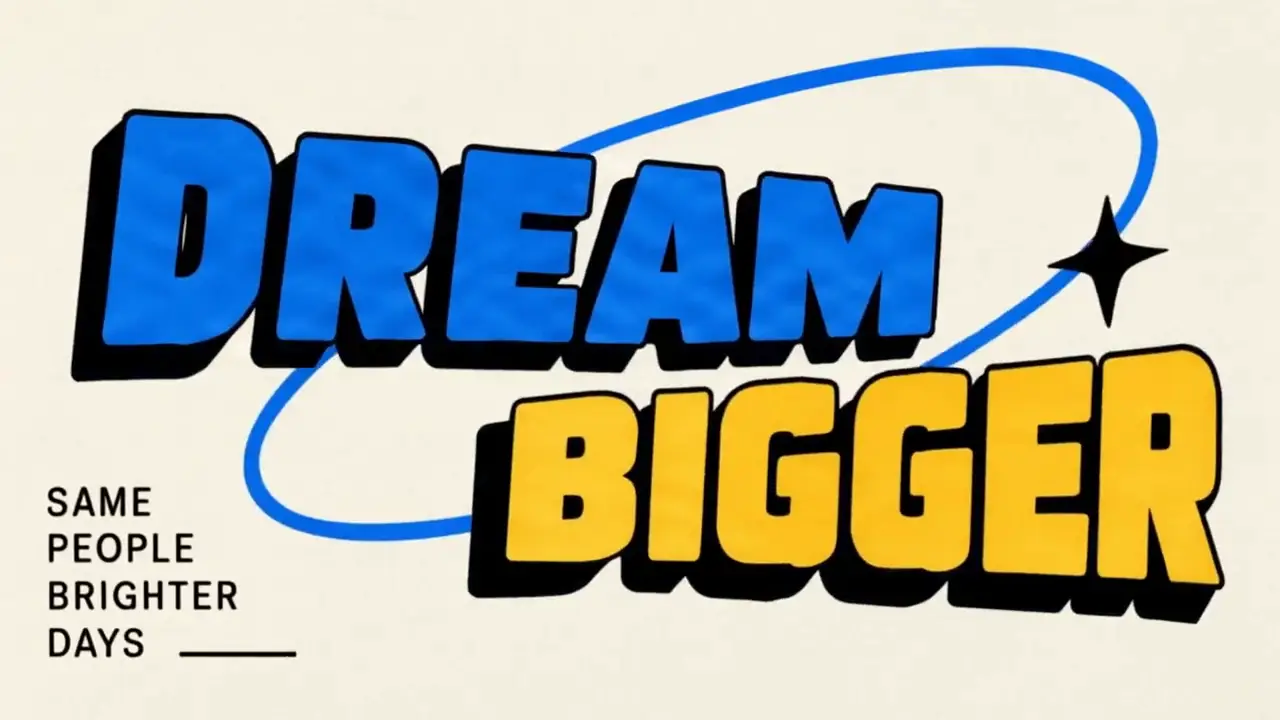
Describe a visual style, camera movement and lighting in your prompt. Flash accepts up to 2,500 characters. Preview the completed video, then refine the prompt for your next take.
Model comparison
Compare the settings offered by this generator. Flash uses EvoLink; Kling 3.0 and Turbo use KIE. The model release notes describe broader model capabilities, which can differ from the controls available here.
| Feature | Kling 4 Flash | Kling 4.0 | Kling 3.0 | 3.0 Turbo |
|---|---|---|---|---|
| Access on this site | Available via EvoLink | Not offered here | Available via KIE | Available via KIE |
| Clip length | 3–20s | — | 3–15s | 3–15s |
| Resolution here | 720p | — | 720p / 1080p | 720p / 1080p |
| Frame control | First frame only | — | Start & end frame | First frame only |
| Image references here | Up to 3 images | — | Not offered here | Not offered here |
| Audio control | No audio switch | — | Optional audio | Always on |
| Prompt length | 2,500 characters | — | 2,500 characters | 2,500 characters |
| Video extension | Not offered here | — | Not offered here | Not offered here |
| Aspect ratios | 16:9, 9:16, 1:1, 21:9 | — | 16:9, 9:16, 1:1 | 16:9, 9:16, 1:1 |
| Available here | Yes, via EvoLink | No | Yes | Yes |
Kling 4.0 Flash supports 720p clips of 3–20 seconds with text, a first frame or up to three image references. Its 5-second quote is 44 site credits. Kling 3.0 and Turbo offer their own settings; the full Kling 4.0 model is not offered in this generator.
Workflow
No app to install and no waitlist. Open Kling Flash in any desktop or mobile browser and go from idea to a downloadable Kling video in three steps.
Pick Text to Video or Image to Video. Lead with the subject, then add the action, camera move, lighting and sound. For image to video, upload a sharp JPG, PNG or WebP as the first frame.
Pick the 3.0 model for the best quality or 3.0 Turbo for speed, then set the duration, resolution and aspect ratio: 16:9 for YouTube, 9:16 for TikTok and Reels, 1:1 for feeds. The exact credit cost shows before you click.
Most clips finish in one to three minutes. Preview the result, download the MP4 and reuse the prompt to iterate. If a render fails, the credits go back to your balance automatically.
Use cases
A 15-second product ad used to mean a studio, a crew and a week of edits. Many AI tools cut the cost but break the shot: faces drift, hands melt, the audio is missing. These models are built for exactly those weak spots, so one prompt on Kling Flash can become a clip you are happy to publish.
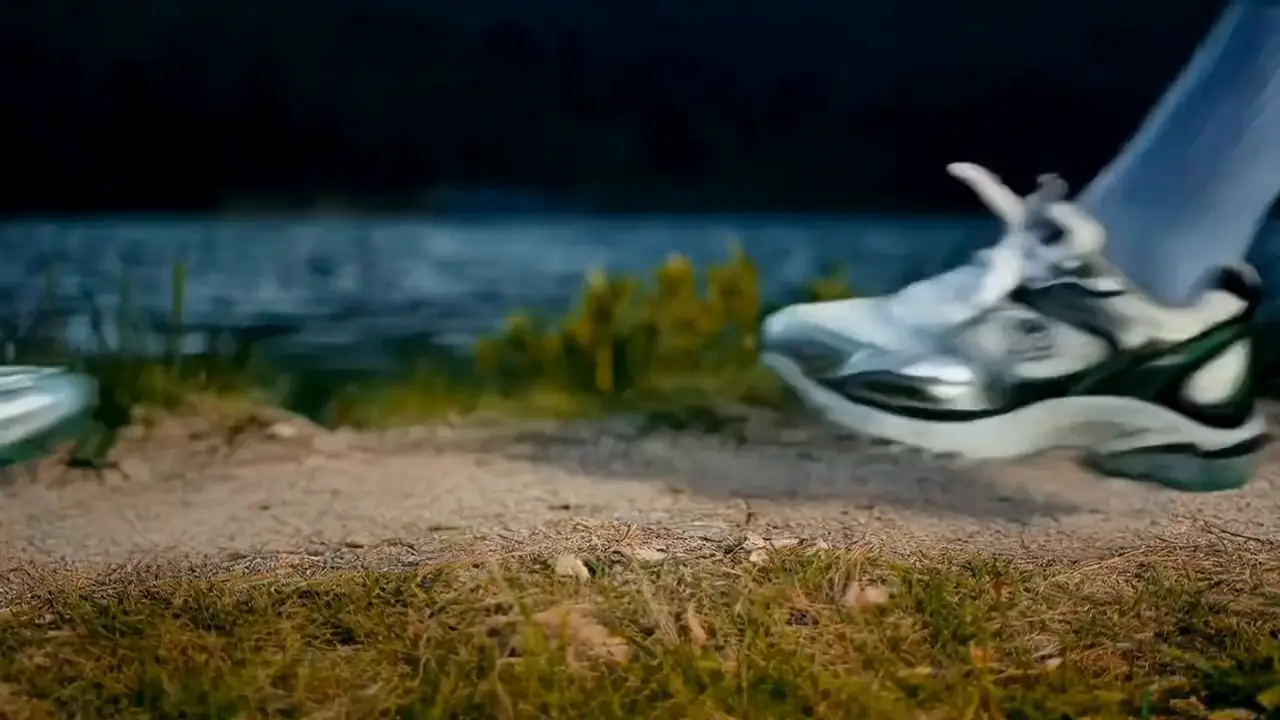
Turn one packshot into a hero spin, an unboxing or a lifestyle scene. Test three ad angles for Amazon, Shopify or TikTok Shop before you pay for a shoot, then keep the winner.

Block scenes, test camera moves and pitch a mood before the shoot. Keyframes set the beats a shot has to hit, so a storyboard plays like a sequence instead of a mood board.
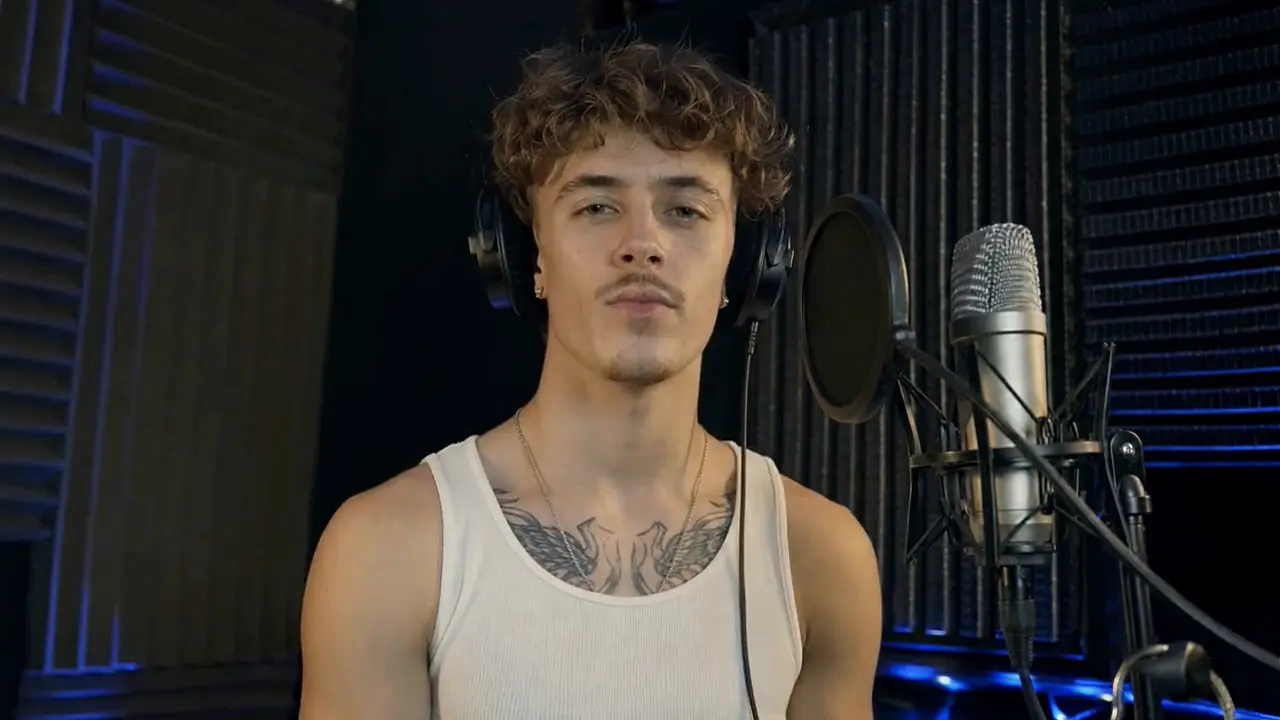
Batch vertical 9:16 hooks for TikTok, Reels and YouTube Shorts on Kling Flash, with voice and music in the same render. Publish the strongest take and iterate on the prompt the same day.
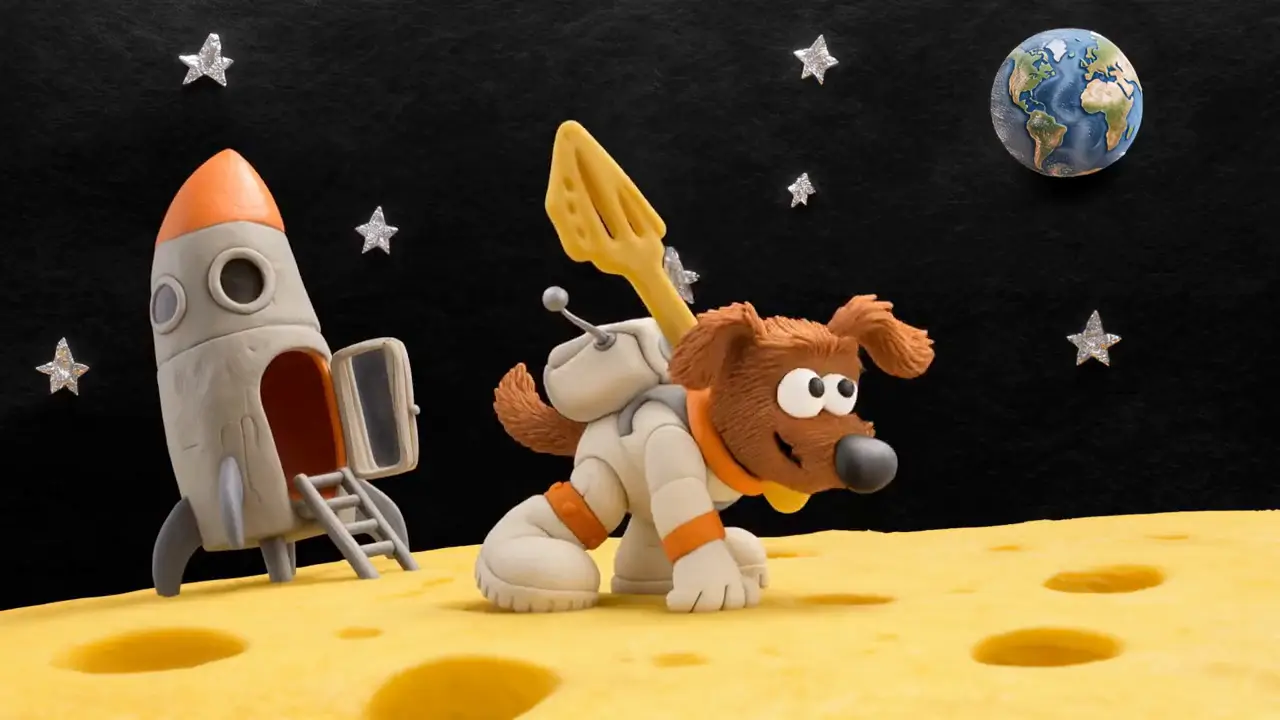
Animate science ideas, history scenes and product tutorials that would be slow or costly to film, then add narration in your audience's language.
Start with free credits, then choose a monthly plan or a one-time credit pack. Every option shows how many seconds of video it covers before checkout, failed renders are refunded, and your credits work with Kling 4.0 Flash through EvoLink.
Choose Subscription Plan
Perfect for individuals and light users
Billed annually at $180.00
INCLUDES
For professional creators and teams
Billed annually at $468.00
INCLUDES
Designed for large enterprises and professional studios
Billed annually at $1920.00
INCLUDES
To cancel your subscription, please contact support: support@klingflash.com
FAQ
Straight answers about Kling 4 Flash access, specs, pricing and this independent site.
Write one clear scene on Kling Flash, pick text to video or image to video, and judge picture and sound together. New accounts get free credits, they work with Kling 4.0 Flash through EvoLink, and there is nothing to install.