
Give the action room to move
A low camera and a clear direction of travel make this opening frame easy to read. The darker left side gives you a place for a title before you animate the shot.
Design the still that anchors your video. Build a title frame, test a shot angle, or generate a set of related images from one brief.
Open the image generator
Kling Image 4.0 generates still images from a text prompt, with optional image references. On KlingFlash, use it to compose a video keyframe or plan a sequence with a set of related shots.
See image examples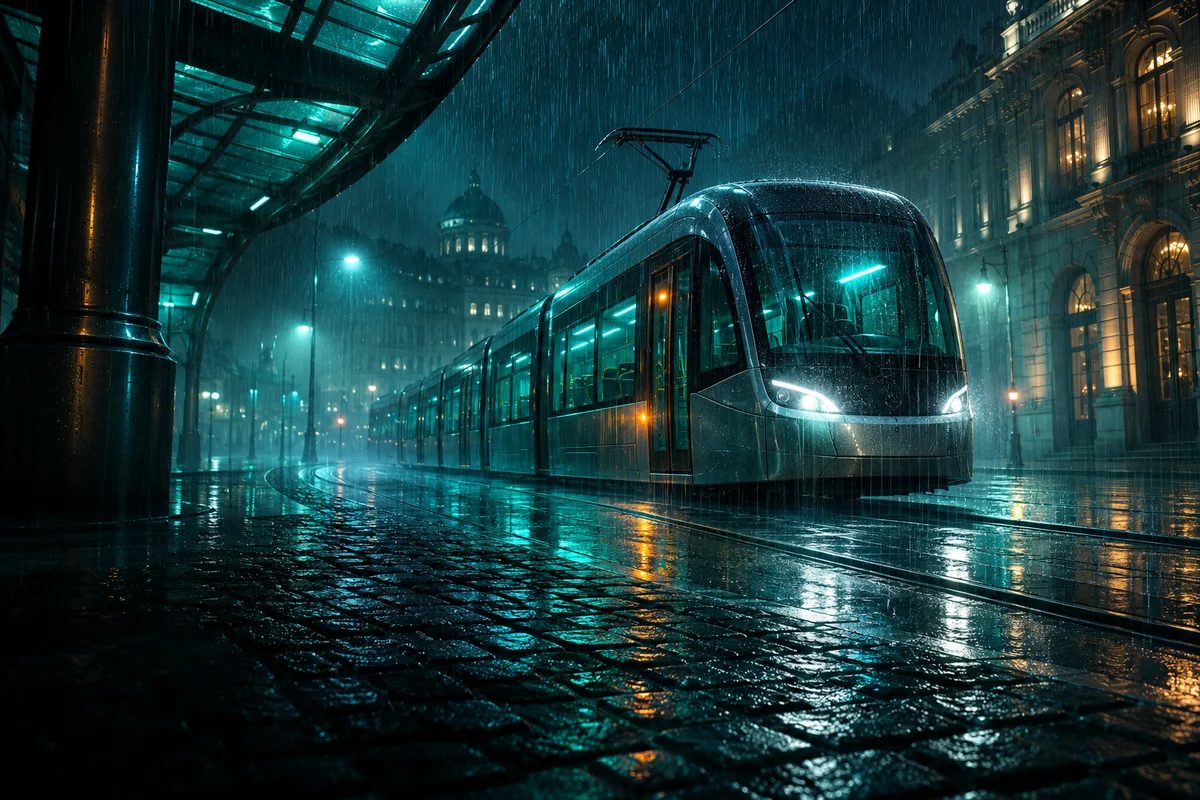
A low camera and a clear direction of travel make this opening frame easy to read. The darker left side gives you a place for a title before you animate the shot.
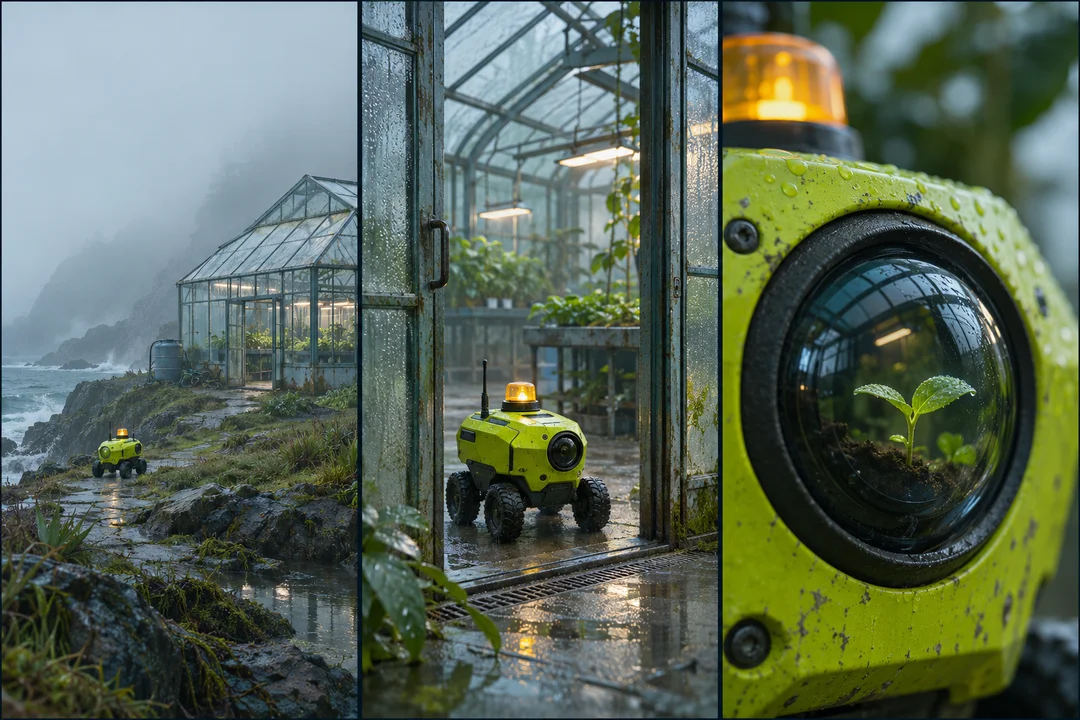
Start with a wide view to establish the setting, move in to show the subject, then cut to a detail. The greenhouse storyboard shows how framing can give each shot a different job.
Create a first still with a clear subject and direction of travel. Use that frame to establish what moves first.
Generate a wide shot, a medium shot and a detail of the same subject to plan the edit before rendering video.
Prepare wide and vertical covers for the same campaign. Use a reference for the elements that should carry across versions.
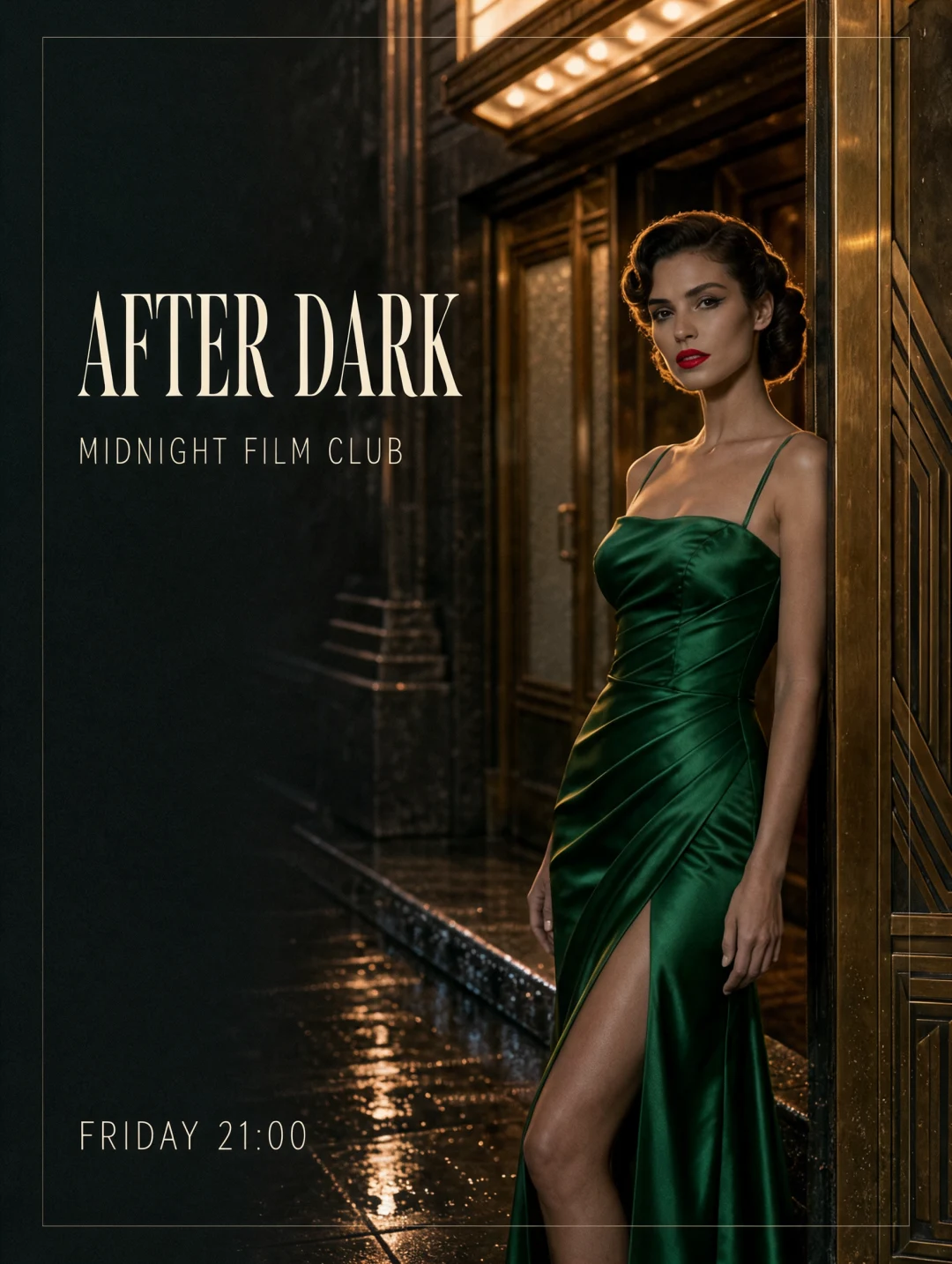
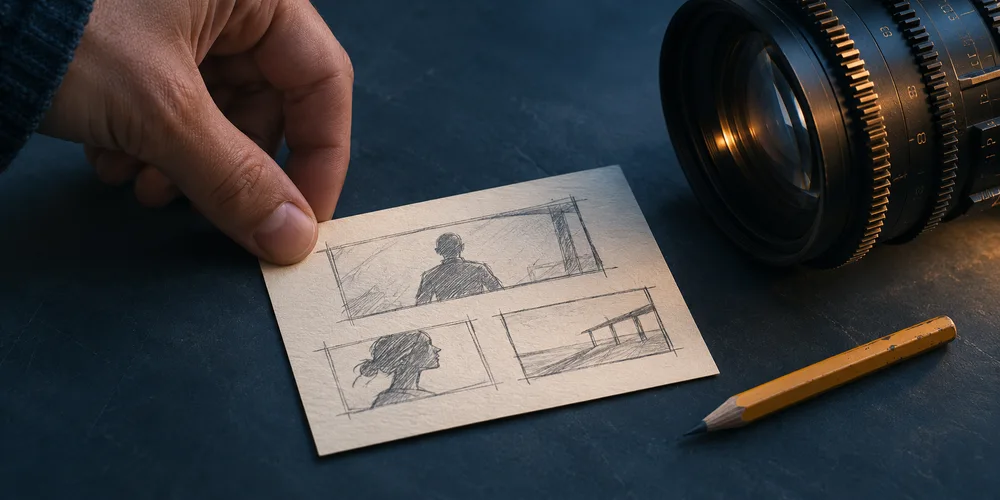
Decide where the subject, camera and title belong before adding lighting or texture.
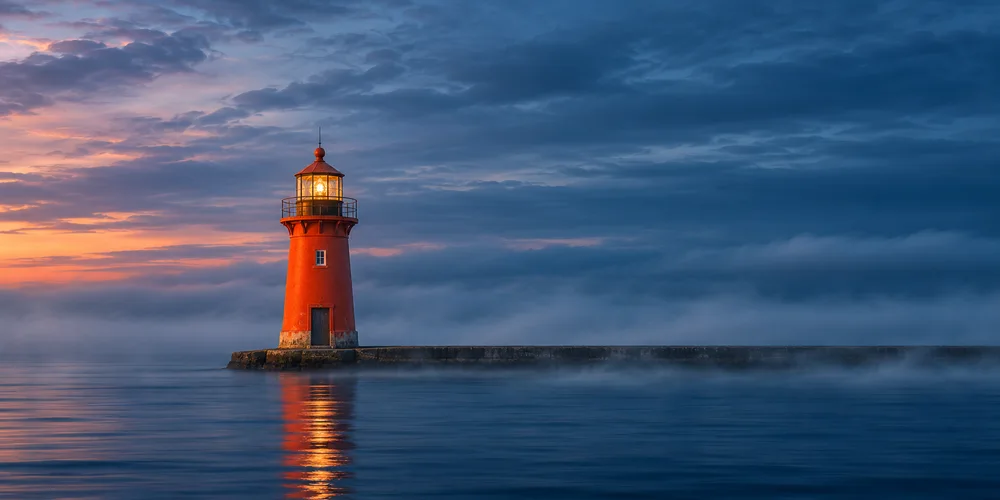
Choose 16:9 for a landscape opener or 9:16 for a vertical clip. Start at 2K and review the framing before making a larger image.
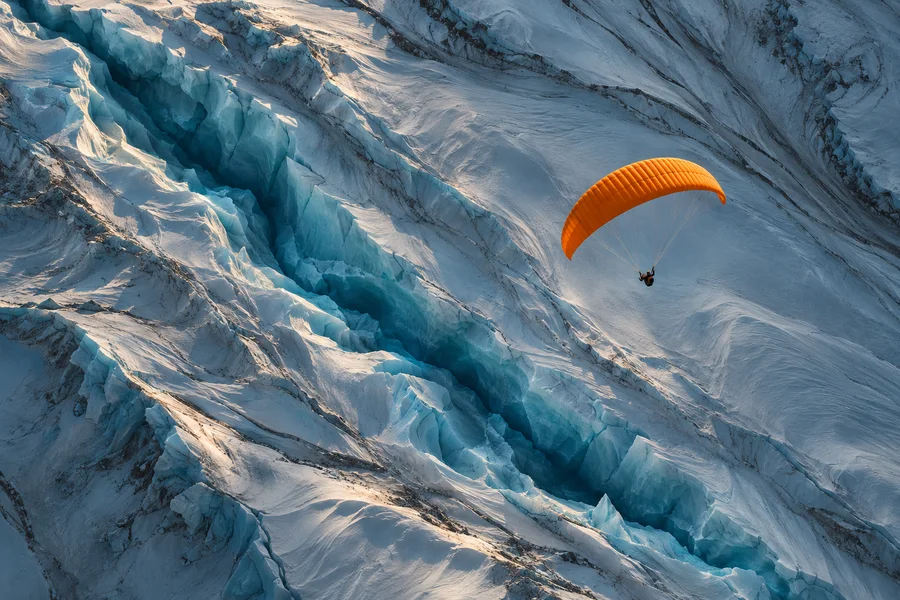
Save the frame you want to animate and upload it as a first frame in the video generator.
These prices cover one still with no references. The Kling Image 4.0 generator updates the total when you add images or references.
View plans and credit packsYes. Save a result from the image preview and upload it to the KlingFlash video generator as a starting frame.
Series mode creates two to ten related images. Describe the traits that must stay the same and specify a different camera angle or scene beat for each shot.
A single image without references costs 11 credits at 2K, 16 at 4K or 26 at 8K. The generator shows the total for the selected count and references before you submit.
Build a keyframe or a related shot set directly on KlingFlash.